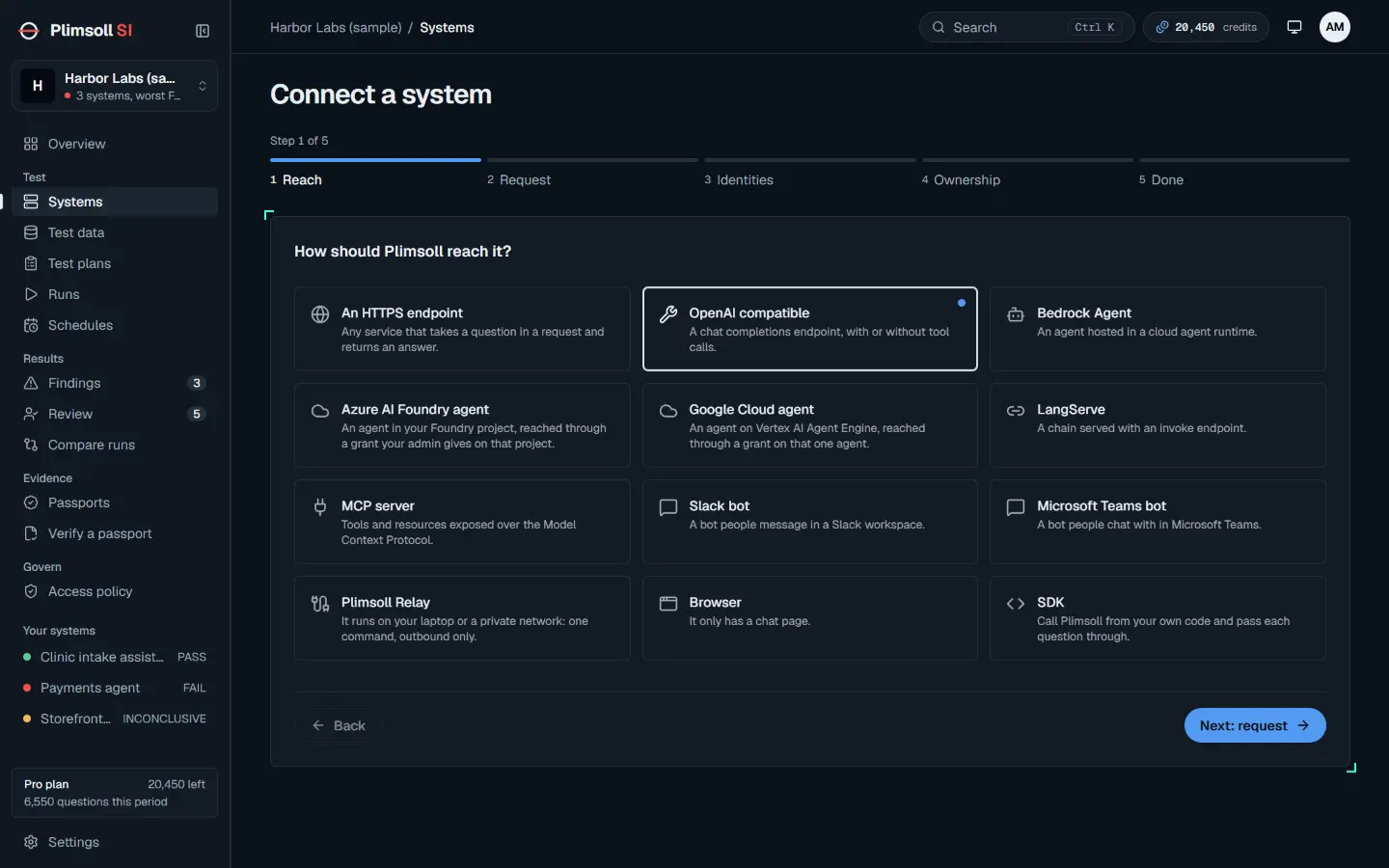
Many systems worth testing have no public address. Plimsoll Link runs next to your system with a key from Studio. It opens a single outbound connection and passes questions and replies, nothing else. There is no inbound firewall rule, and none of the engine runs on your side.
1. Choose Plimsoll Link
Open Systems, choose "Connect a system", and under "How should Plimsoll reach it?" pick "Plimsoll Link": it runs on your laptop or a private network, one command, outbound only.
2. Install it
Under "Install Plimsoll Link" choose "Create the install command". Copy the command and run it on a machine that can reach the system. It starts the Plimsoll Link client with a key for this system. Plimsoll Link only makes outbound connections.
The page shows "Waiting for Plimsoll Link to connect…" until the client is up, then "Link connected". It stays online for as long as the client stays connected.
3. Point it at the system
Fill "Address Plimsoll Link calls" with the system's address as seen from the machine it runs on, for example an internal host name. Then continue as for any endpoint: the request, the answer path, the decline phrase, the roles, and ownership.
4. Run as usual
Plans, runs and passports work exactly as for a public endpoint. The questions travel out through the one connection the client opened, and the replies come back the same way.
5. Manage Link clients
Settings has a "Link clients" tab listing each client and whether it is connected. Owners and admins manage them.
What you have
- A private system under the same plans, verdicts and passports as a public one.
- One outbound connection that you can stop at any time by stopping the client.